dil.map
The output screen. It renders the projection and handles simple remote-first setup.
- Display mapped content
- Play and pause
- Basic surface setup
- Pair with your account
Projection mapping made simple
dil.map runs directly on Google TV and Android TV projectors with Google Play. No laptop. No media server.
Don’t start with the brand. Check what runs inside it.
Look at the projector — not your phone
Choose an answer to see the next step.
If you see Install, that exact device, account and region are supported.
Already own an incompatible projector?
The projector displays the image; dil.map runs on the Streamer. Confirm dil.map appears in Google Play during setup.
Sign in with the same email everywhere.
The output screen. It renders the projection and handles simple remote-first setup.
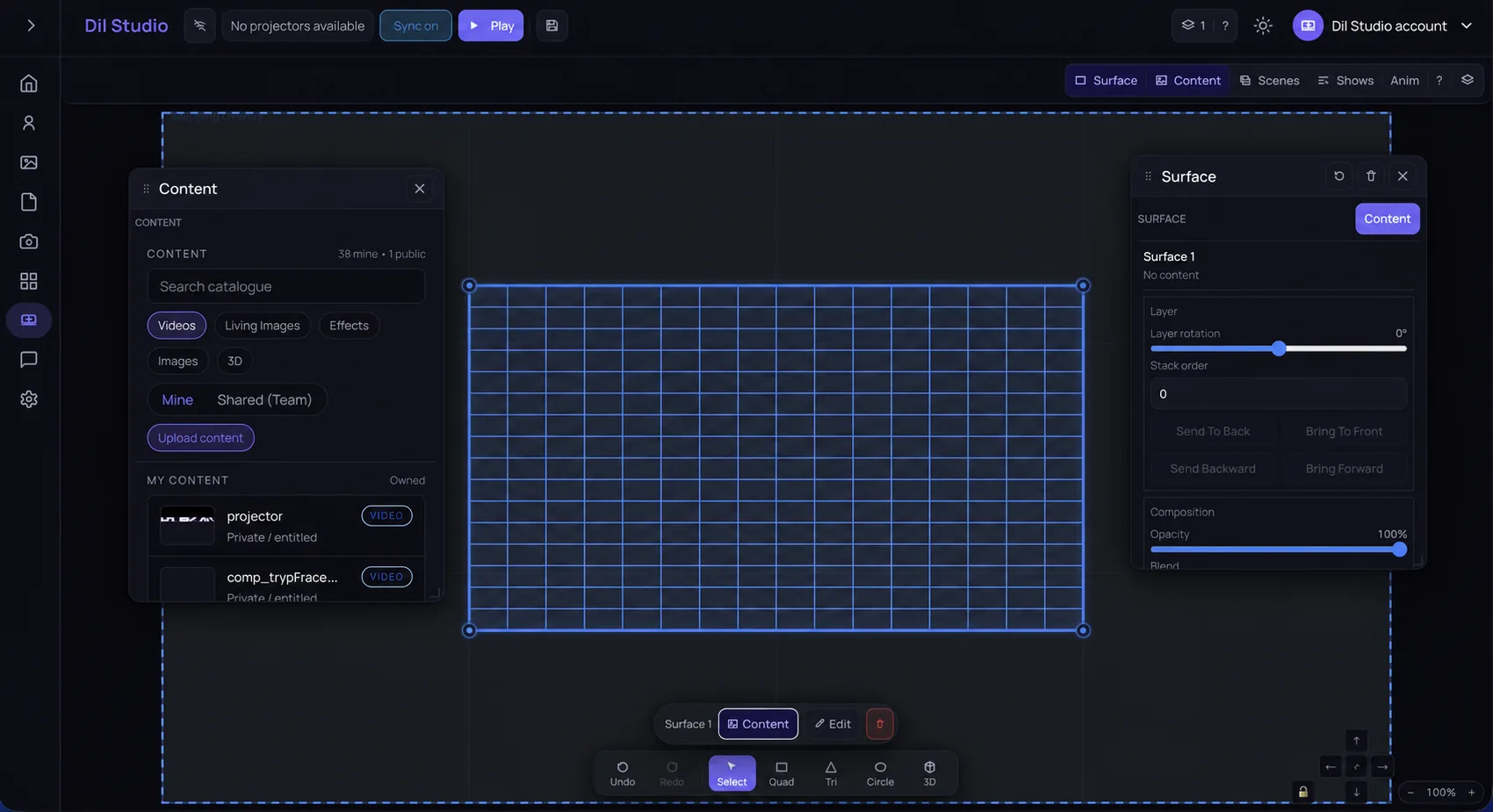
The control room. Open it from a computer, tablet, or phone browser.
Start on the projector, then use the browser when you want more control.
From the projector Home screen, open Apps → Google Play Store.
Using a Google TV Streamer? First switch the projector to the Streamer’s HDMI input.
Install dil.map on the projector. On a phone, tablet, or computer, open studio.dilstudio.com in the browser and use the same email.
Ready?
Install dil.map there, then use the same email at studio.dilstudio.com.